Installation
Install the Exaviz PoE plugin for Home Assistant via HACS.
2 minute read
The Exaviz Home Assistant Plugin (v1.0.5) is a custom integration that brings PoE monitoring and control to your Home Assistant dashboard. Manage your Exaviz PoE ports alongside your other smart home devices.
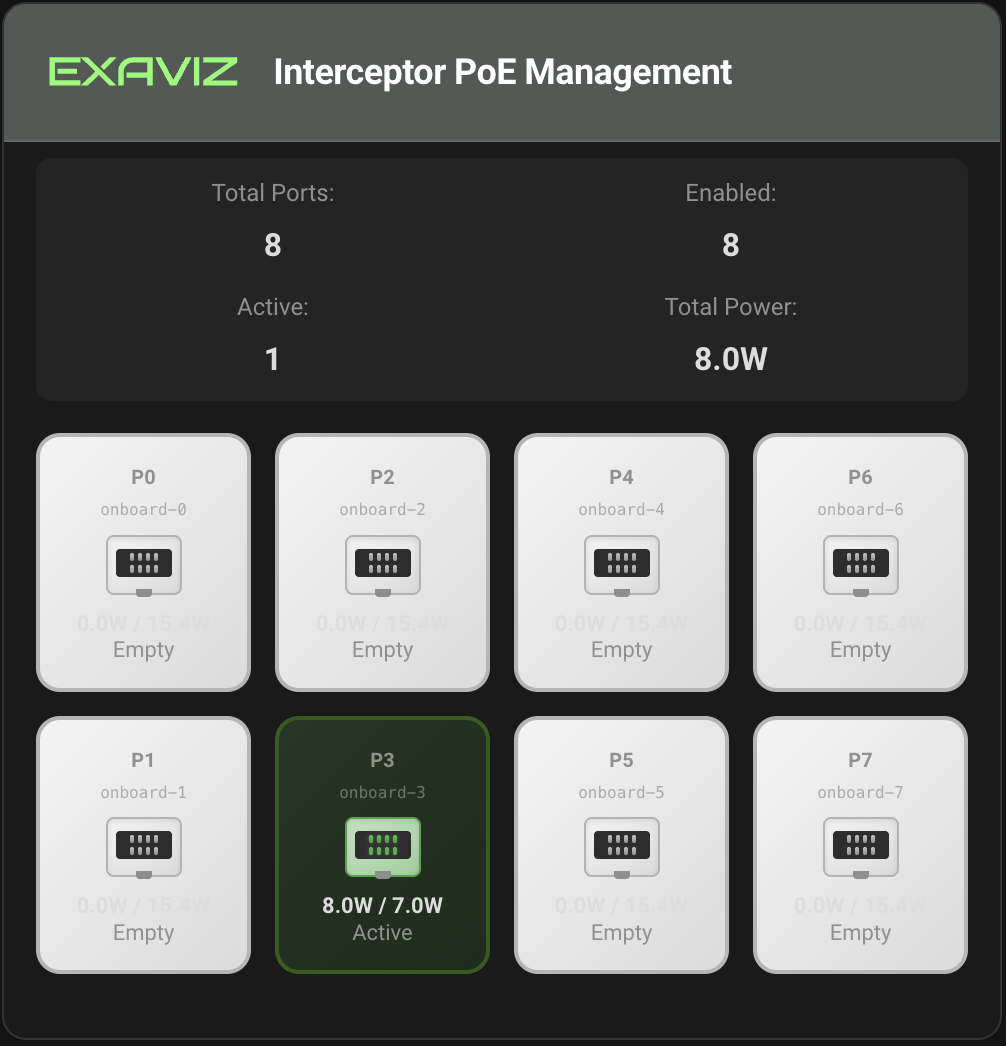
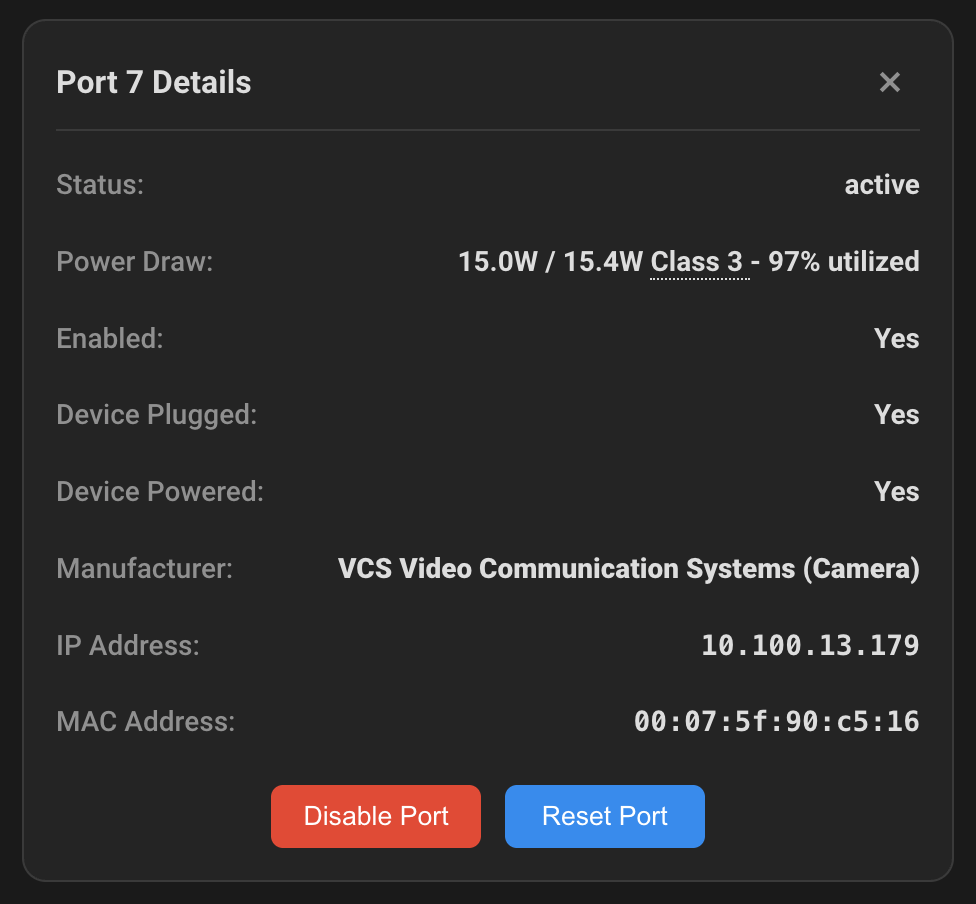
The plugin is open source. View the code, report issues, or contribute on GitHub.
| Board | PoE Controller | Max Ports | Compute Modules |
|---|---|---|---|
| Cruiser | TPS23861 (Texas Instruments) | 8 onboard + 8 add-on | Raspberry Pi CM5 |
| Interceptor + PoE Board | IP808AR (IC Plus) | 8 per board (16 max) | Raspberry Pi CM4, CM5, Banana Pi CM4 |
The plugin automatically detects your board type and adapts accordingly. No manual hardware configuration is needed.
exaviz-dkms, exaviz-poe-tool) installed from the
Exaviz APT repositoryWe recommend installing Home Assistant as a Docker Container on your Exaviz board. This provides the best compatibility and ensures access to PoE hardware. See the Installation Guide for details.
Install the plugin from HACS. Install Guide →
Set up the integration and understand entities. Configure →
Recommended card layouts and setup. Dashboard Guide →
Common issues and solutions. Get Help →
Frequently asked questions. View FAQ →
Install the Exaviz PoE plugin for Home Assistant via HACS.
Set up the Exaviz PoE integration in Home Assistant and understand the entities it creates.
Set up PoE monitoring and board information cards on your Home Assistant dashboard.
Common issues and solutions for the Exaviz Home Assistant PoE Plugin.
Frequently asked questions about the Exaviz Home Assistant PoE Plugin.
Last modified April 9, 2026