Feature Overview
Complete feature walkthrough of the Exaviz Management Platform dashboard and API
5 minute read
The Exaviz Management Platform is actively under development. Features and documentation on this page may change as we build toward the initial release. For questions or early access, contact us at info@exaviz.com.
Ship a managed PoE appliance under your brand.
In weeks, not months.
A browser-based dashboard and REST API pre-installed on every Exaviz board. White-label it with a single config file. Your logo, your colors, your product name. No code changes required.
Every OEM and system integrator we talk to asks the same question: “What does the user see when they plug it in?”
Without management software, the answer is a Linux terminal. That is not a product. Your customers expect a web dashboard at first boot, the same way they get one from Ubiquiti, Synology, or TP-Link. The Exaviz Management Platform gives you that experience out of the box, branded as your own, with a full API for deeper integration.
One less thing to build. One less thing to maintain. One less thing between you and your first shipment.
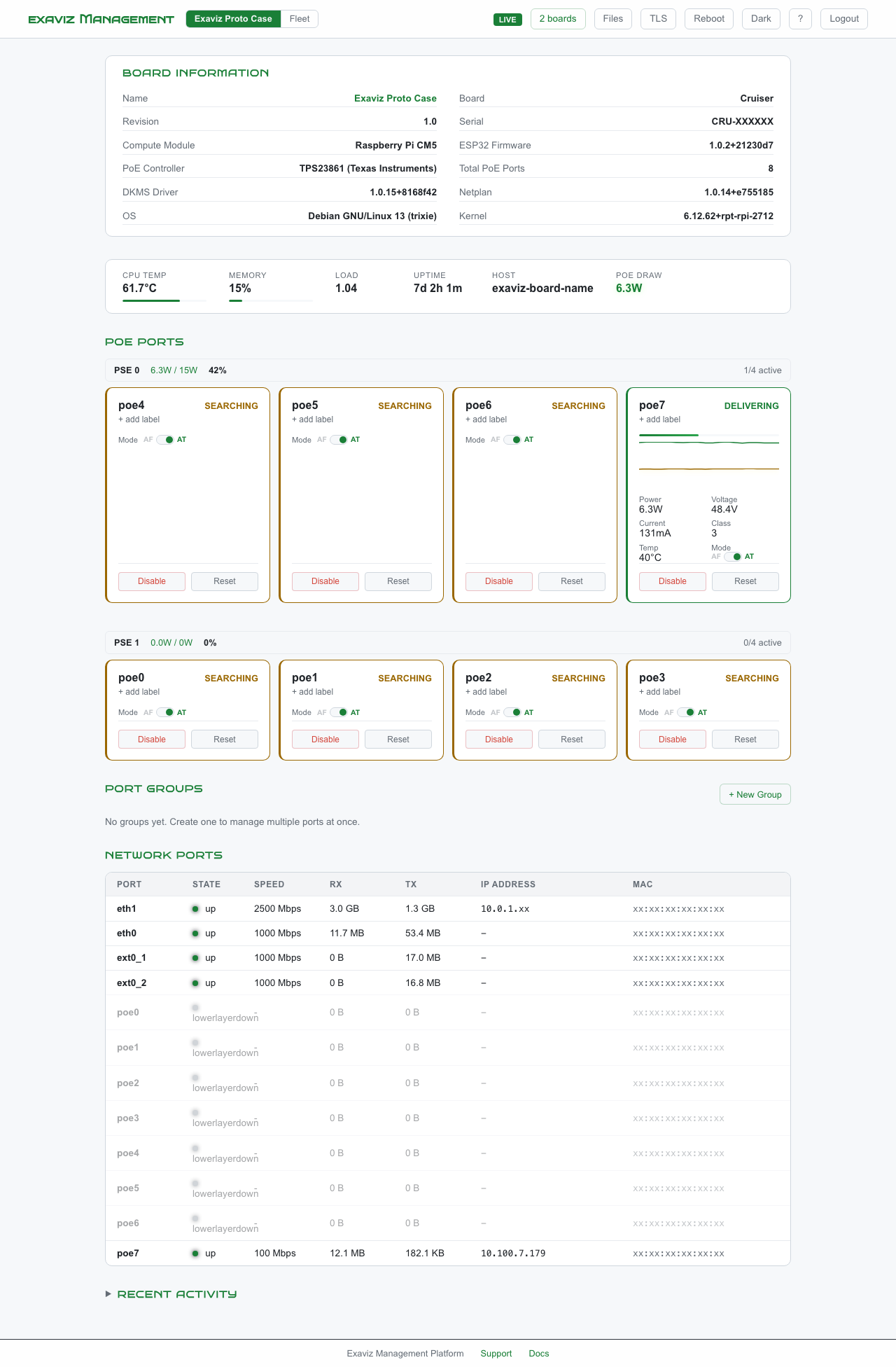
This is what your customers see when they open a browser and navigate to the board’s IP address:
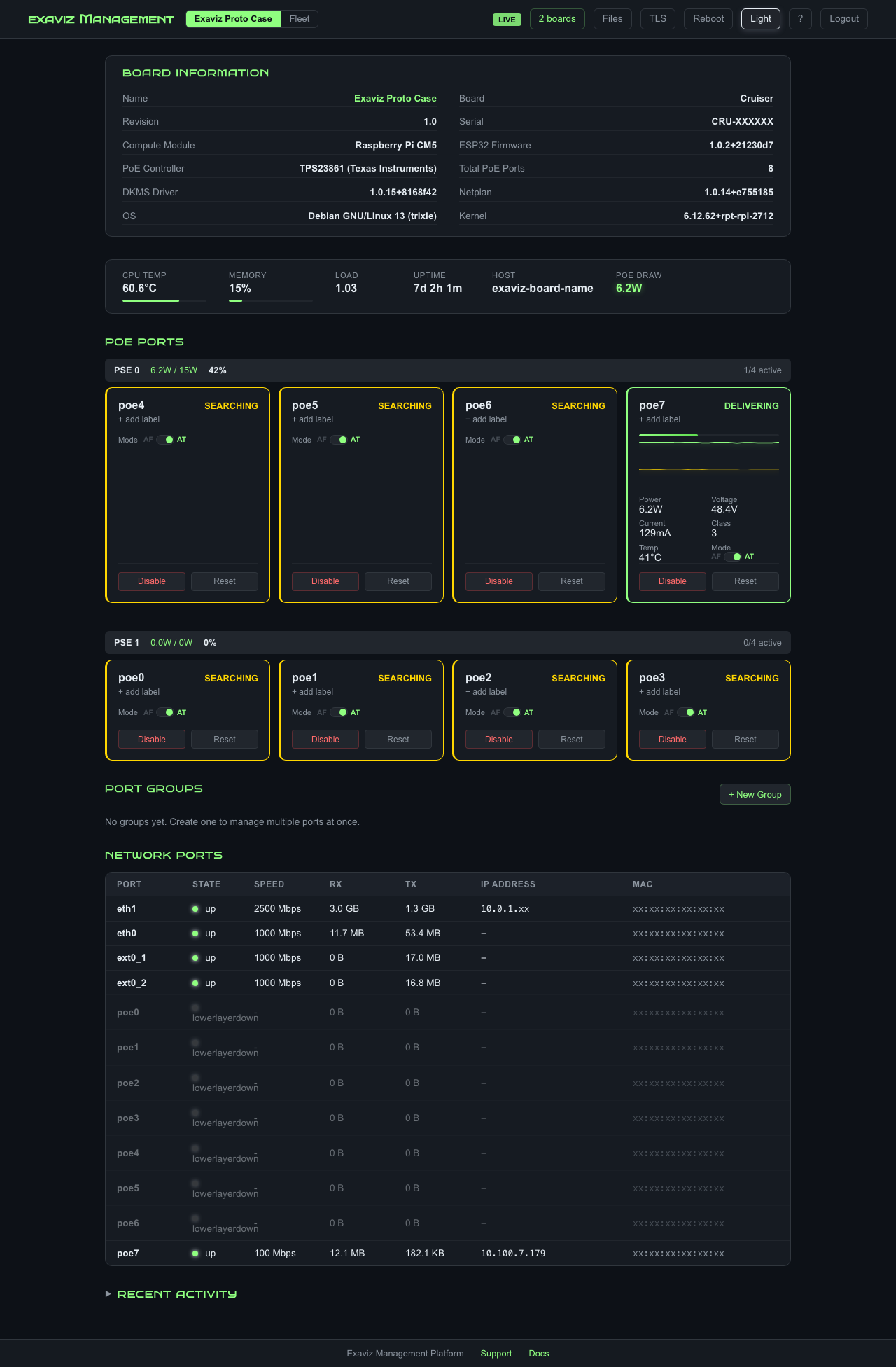
Full dashboard in dark mode showing real-time PoE port status, system health, and network switch ports on a Cruiser board.
The same dashboard in light mode. Users toggle between themes with one click.
The management platform ships pre-installed on every Exaviz board. Open a browser, type the board’s IP address, and manage everything.
Single Go binary (~10 MB) - zero runtime dependencies
  |
  |-- REST API (/api/v1/*)
  |     |-- PoE port status and control
  |     |-- System health metrics
  |     |-- Fleet management
  |     |-- Branding/configuration
  |     +-- Backup/restore
  |
  |-- Server-Sent Events (real-time dashboard updates, 2s interval)
  |
  |-- Prometheus metrics (/metrics)
  |
  +-- SvelteKit SPA (embedded static assets)
        +-- Dark/light themes, responsive, CSS variable system
The management platform auto-detects the board variant and adapts the UI accordingly.
| Board | PoE Ports | WAN Uplink | Management Platform |
|---|---|---|---|
| Cruiser | 8x PoE+ (30W each) | 2.5GbE | Included |
| Cruiser Lite | 4x PoE+ (30W each) | 2.5GbE | Included |
| Cruiser Keel | 4x GbE (no PoE) | 2.5GbE | Included |
| Interceptor | Up to 16x PoE+ (2x8) | 1GbE | Included |
Deploy Exaviz boards as a turnkey NVR appliance, managed PoE switch, or smart building controller. The management platform gives your end customers a professional interface from day one.
| What You Get | Details |
|---|---|
| Browser-based dashboard | Works on phone, tablet, laptop, any device on the network |
| Fleet management | Discover and manage multiple boards from a single dashboard |
| Backup and restore | Export and restore full board configuration |
| Audit logging | Track every action for compliance and troubleshooting |
| Prometheus integration | Connect to your existing Grafana or monitoring stack |
Build your own product on top of the Exaviz platform. Everything you need to ship under your brand:
| Component | What It Includes |
|---|---|
| White-label config | Logo, colors, fonts, product name, support URL via JSON |
| REST API | Full endpoint documentation with examples |
| Theming system | CSS variable system for complete visual customization |
| Debian package | Ships as a standard .deb, integrates with your image builds |
| Prometheus metrics | Ready for your monitoring infrastructure |
Self-serve evaluation: Configure branding on a dev board, test the API, and build your integration. No NRE required for basic white-labeling.
Request a dev kit. You select your preferred CM5 variant, and we provide the board with the management platform pre-installed. Up and running in 15 minutes.
Email:
info@exaviz.com
Web:
www.exaviz.com
Complete feature walkthrough of the Exaviz Management Platform dashboard and API
How to rebrand the Exaviz Management Platform dashboard with your logo, colors, and product name
Complete REST API documentation for the Exaviz Management Platform
Architecture, resource footprint, and integration guide for the Exaviz Management Platform
Competitive comparison - Exaviz Management Platform vs. Ubiquiti, Synology, and TP-Link
Volume discounts, support contracts, and engagement models for Exaviz OEM partners
Last modified April 9, 2026